

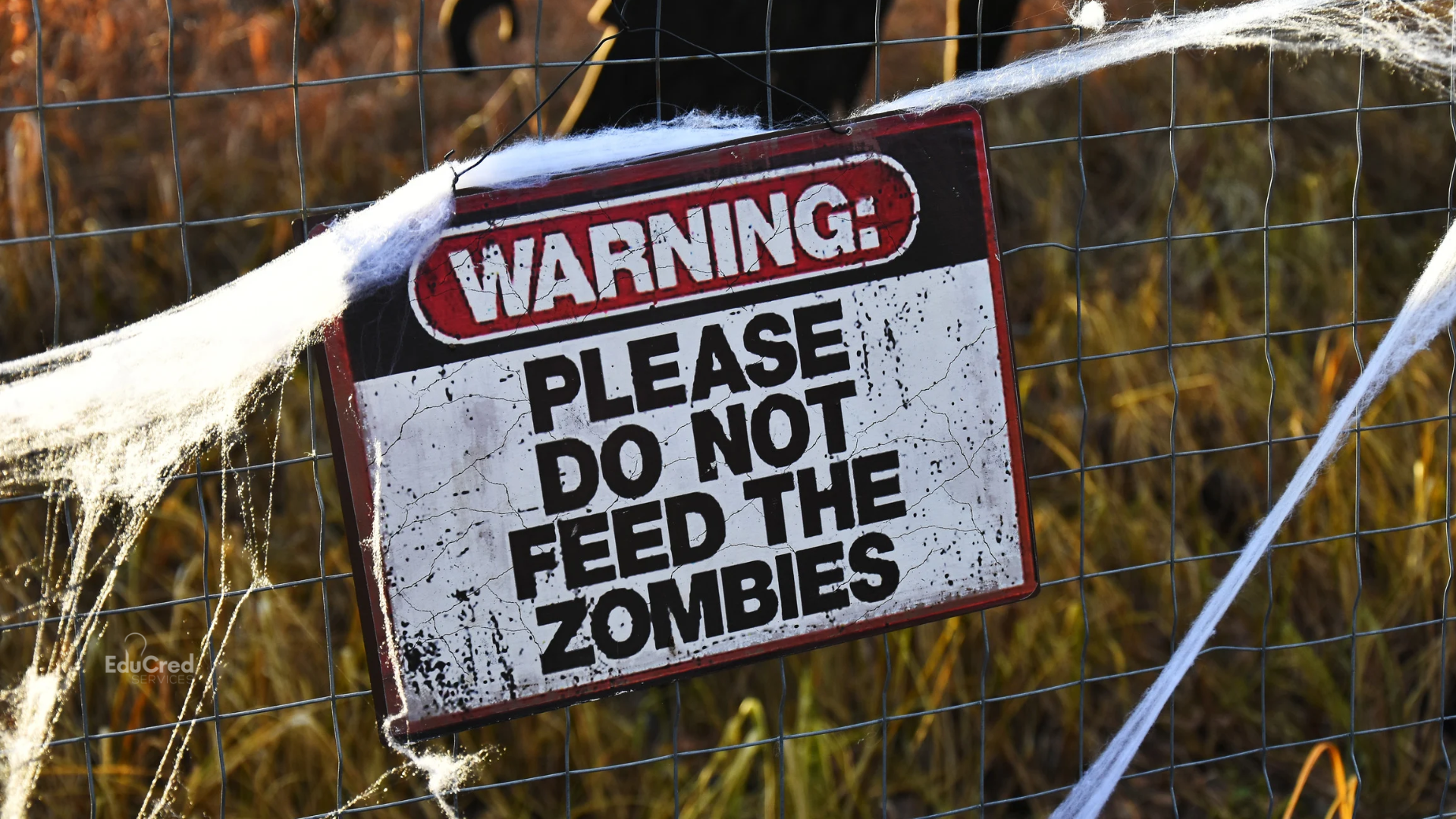
Halloween is this Saturday, so while campus offices are filling up with candy bowls, it’s a perfect time to talk about the things on campus that refuse to stay dead. At most institutions, the scariest thing lurking in the hallways this time of year is an outdated procedure that someone is still faithfully following, which might not sound spooky at first, but picture this:
It’s a gray Tuesday afternoon in the second-floor conference room, and the fluorescent light over the coffee station flickers every few seconds. Twenty minutes into the monthly operations meeting, the new Director of Student Accounts asks a simple question about how refund requests are processed. Somewhere near the back of the room a chair creaks, and Brad from the Business Office slowly rises to his feet. He has done this work for 19 years, and he walks everyone through it in loving detail, right down to the department chair’s initials and the folder where completed requests are filed. Heads nod around the table. Nobody realizes the danger until it’s far too late, because every word Brad says describes the process your institution buried in 2021.
In honor of the season, let’s call Brad’s process what it is: a zombie procedure. It was officially laid to rest in 2021 with a Friday afternoon email that nobody read, and since no one explained the change in person or pulled the old version from circulation, it has been climbing out of the grave and showing up to work ever since. The tricky part is that zombies like this are usually kept alive by some of your best employees. Back in 2011, a refund was approved by mistake, so the Director’s sign-off was added as an extra check. That history exists only in Brad’s memory, so the goal is to capture what he knows while finally burying the process he has kept alive.
Where Zombies Hide
The shared drive is the most obvious crypt. Staff have opened the old refund form a few thousand more times than the new one, so it rises to the top of every search, while the new form sits several results down where nobody looks. The shared drive is far from the only hiding place, though.
Old catalog PDFs are another common hiding spot. Institutions replace the catalog each academic year, but old versions tend to stay online long after they’re archived, and search engines keep indexing them. A prospective student looking up your refund policy can easily land on a catalog from three years ago.
One college I worked at published three catalogs at the same time. The current catalog was on the main website, an outdated version was still linked from an admissions landing page that no one remembered existed, and a third copy lived on a vendor’s server, left over from a web redesign two years earlier. All three had different refund schedules.
Onboarding binders/resources can be another graveyard. Every new hire gets it on day one and reads it carefully because they want to do a good job, so they learn the zombie refund process from the only written source anyone handed them. The binder wins out over email updates every time because it has index tabs and color coding, and the 2017 refund form is right there under the red tab in the green folder. Meanwhile, the new form exists only as an electronic copy on the Registrar’s web page.
LMS templates and course shells can keep zombies alive too. Syllabi get copied forward from term to term, and the withdrawal deadline and grade appeal steps travel forward with them. Somewhere, a master course shell is still sending students to a dean’s office that was reorganized out of existence 13 copies ago.
Enrollment agreements and web pages can drift away from the catalog as well. The catalog gets updated, but the enrollment agreement template lives in the admissions CRM while the catalog belongs to the Registrar, so nobody thinks to compare the two. On top of that, the website quotes a third version, copied from the catalog before the change.
Personal shortcuts and printed checklists might be the hardest zombies to track down. Brad’s desktop has a shortcut to the refund form he has used since 2011, and since it still opens, he has no reason to go looking for a new one. And the most durable document on any campus is the one someone laminated and taped to the side of a monitor in 2015.
What Happens at the Site Visit
Zombie procedures can do serious damage when accreditation evaluators arrive. Your self-study describes the refund process in detail. Your compliance team did their homework, so the description matches the catalog, the website, the enrollment agreement, and the state agency’s requirements. Everyone feels confident that the process is working the way it should.
Visiting teams interview the staff who do the day-to-day work in addition to the people who wrote the report, and they tend to ask open questions, such as “Walk me through what happens when a student withdraws and asks for a refund.” When an evaluator sits down with Brad and asks this, he answers helpfully and thoroughly. He describes the process he actually uses, which is the retired one, because he has never read the report and wasn’t involved in writing it.
The first problem Brad’s answer creates is the gap between the published policy and what actually happens. The second is that once evaluators find one section of the report that doesn’t match reality, they have reason to question the accuracy of the rest. The team may pull a sample of refund files to compare the calculations and dates with the published refund schedule, or interview staff in other offices separately to see whether their answers line up. Depending on the accreditor, a standard everyone expected to sail through could turn into a required follow-up, such as a monitoring report or an additional visit.
Refund policies are an especially bad place for a zombie because so many groups care about them. Accreditors and state authorization agencies both review them, and when a student withdraws, the institution’s refund policy works alongside the federal Return of Title IV Funds calculation. Most importantly, there’s a student who read one policy in the catalog and experienced a different one. A refund mismatch can easily become a problem that reaches well beyond accreditation.
Burying the Zombie for Good
Retiring an outdated procedure takes more than a reminder email, especially when it’s embedded in years of “how we’ve always done it.” These steps can help.
Walk Through the Old Process with Brad
Start by sitting down with the owner of the procedure and the people who do the work, and ask them to walk you through the old process from start to finish. Resist the urge to correct anything yet. Write down every step, form, signature, and place a copy gets filed.
Document Why Each Old Step Exists
For every step, ask what went wrong that made the institution add it. The chair’s initials came from the 2011 refund, and the third copy went to a department that no longer exists. Some of those reasons still matter and some don’t, but all of them belong in writing. This is the step where Brad’s institutional memory moves out of his head and into the record, and it’s the step most institutions skip.
Compare the Old Process to the New One
Once you understand why each step was there, map the old process against the new one and show how the new process handles each concern. If the chair’s initials prevented a real problem, show where the new process catches it. If nothing in the new process addresses that problem, you’ve found a flaw in the new procedure, and it’s much better to fix it now than to have an evaluator find it. Brad is far more likely to trust the new process once he sees that it protects what he has spent years protecting.
Retire the Old Form Properly
Remove the old form from the shared drive and everywhere else it lives, but hold off on deleting it. Move it to an archive location according to your records retention policy, and rename the file so the first word is SUPERSEDED, followed by the retirement date and the name of the form that replaced it. Then search for the form the way staff would. If the old version still shows up anywhere outside the archive, keep hunting for copies.
Train the People Who Do the Work
Managers need to understand the new process, but the staff who actually handle refund requests need training too. Bring them together in person with the new form and work through real examples. A slide deck sent by email is unlikely to change habits that have been in place for years.
Set a Firm Cutover Date
Pick the date when the old procedure stops being accepted, publish it, and keep repeating it until people groan. After that date, any request that arrives on the old form goes back to the sender with the new form attached. Zombies latch on at the first sign of weakness, so hold the line once the date passes.
Check Back
Schedule follow-ups at regular points during the year. Pull a sample of processed requests and see which form was used. Old processes have a way of crawling back to the surface when the moon is full and no one is watching.
Keeping the Zombies Out from the Start
The best way to deal with zombie procedures is to avoid creating them, and that work starts well before a new procedure is announced.
Involve Staff Before the Change
In practice, involving staff means Brad is in the room while the new procedure is being drafted. Ask him what works in the current process and what workarounds people have built around it, and let him draft the step he’ll be responsible for. People defend what they helped build. Explain the reason for the change in plain terms, including why the old process can’t simply be patched, because a change that arrives with no explanation usually has a workaround in place before the next Friday the 13th.
Set Up Version Control
Version control doesn’t require special software. Give every procedure a version number, an effective date, an approver, and a single official location, such as a read-only folder on the shared drive. Keep a one-page index listing every procedure, its current version, its owner, and the date it was last reviewed. Put the version number and date in the footer of every form so anyone holding a stale copy can tell.
Name Someone Responsible
Assign a records custodian whose job includes pulling superseded versions the same day a new one is approved. Then put procedure reviews on the calendar and tie them to something that already happens, like catalog production, so the review doesn’t depend on anyone remembering.
Surviving Until Sunrise
Once the old version is resting in the archive and someone is responsible for keeping it there, Brad becomes one of your biggest assets. He remembers exactly what went wrong in 2011, and after helping build the new process, he’ll probably be the first to notice when the old form sneaks back in. The next time a procedure changes, give him a seat at the table, because the survivor who remembers how the outbreak started is the one who keeps it from happening again.